
Arduino Compatible BoardsCompatible
UNO R3 Board (ATmega328P DIP, CH340G)
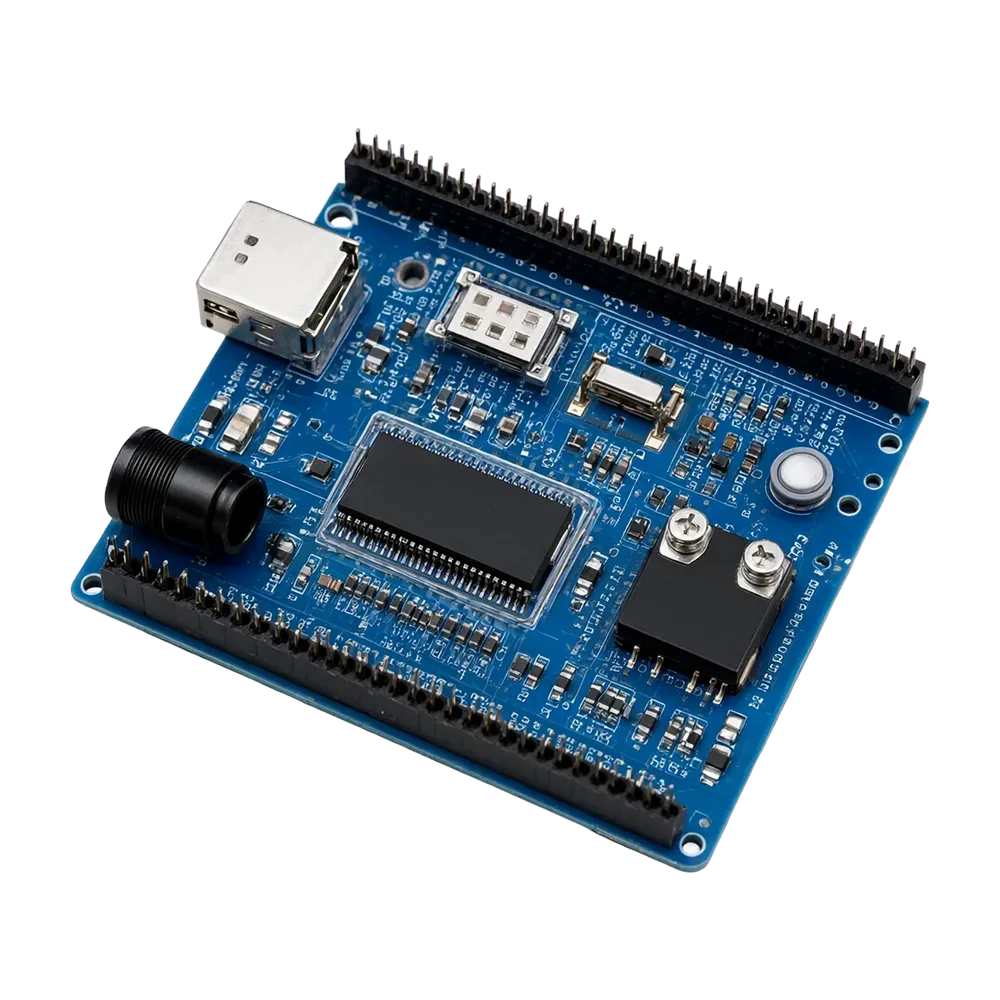
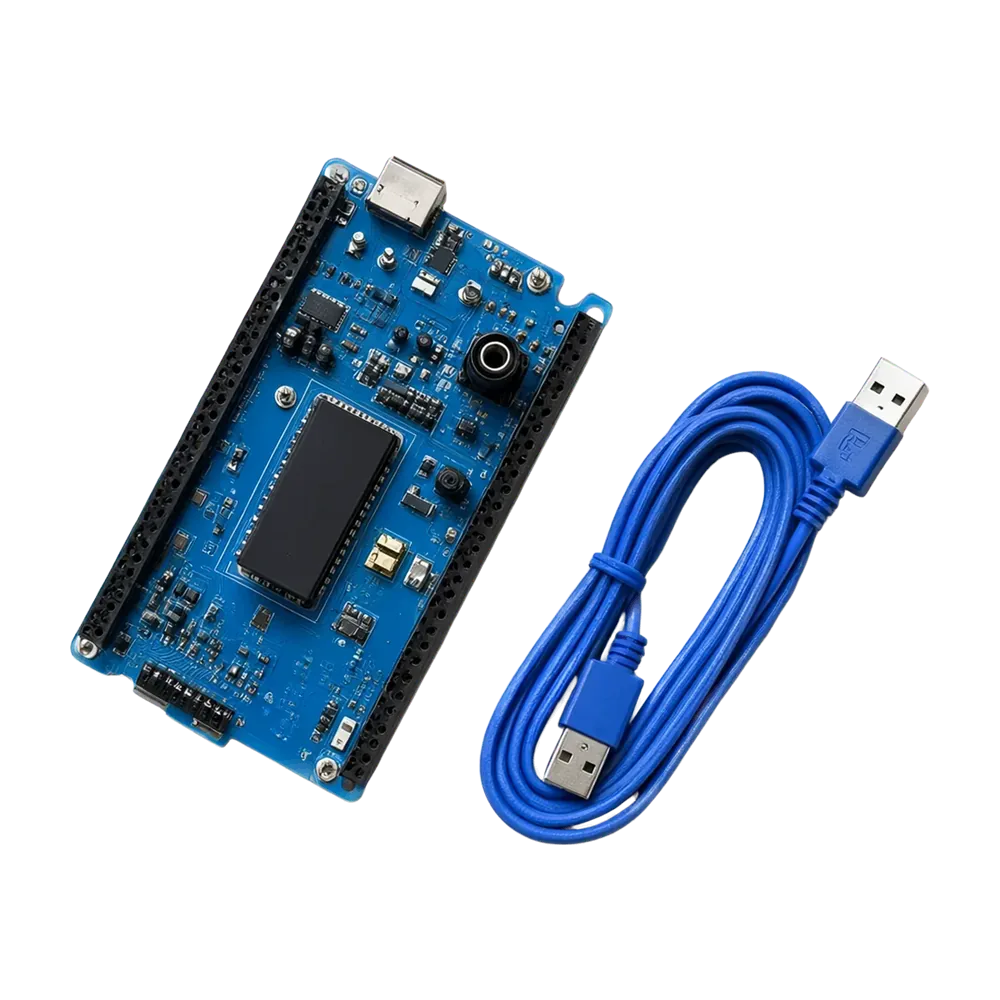
Arduino UNO R3 compatible board with a socketed ATmega328P DIP chip, CH340G USB-serial and a USB cable. Programs straight from the Arduino IDE – the classic first board for students and maker
- Microcontroller
- ATmega328P (DIP-28, socketed)
- USB-Serial Chip
- CH340G
- Clock Speed
- 16 MHz
- Flash / SRAM / EEPROM
- 32 KB / 2 KB / 1 KB
- Digital I/O Pins
- 14 (6 PWM)
- Analog Inputs
- 6 (10-bit)
₹0.00
Inclusive of all taxes1
7 Days Return
Cash On Delivery
Safe & Secure
Specifications
- Manufacturer Part Number
- ATmega328P
- Microcontroller
- ATmega328P (DIP-28, socketed)
- USB-Serial Chip
- CH340G
- Clock Speed
- 16 MHz
- Flash / SRAM / EEPROM
- 32 KB / 2 KB / 1 KB
- Digital I/O Pins
- 14 (6 PWM)
- Analog Inputs
- 6 (10-bit)
- Operating Voltage
- 5 V
- Input Voltage (DC jack)
- 7–12 V recommended
- USB Connector
- USB Type-B
- Board Size
- 68.6 × 53.4 mm
- Compatible With
- Arduino IDE, UNO R3 shields
Downloads
Description
The board most Arduino tutorials are written for. It has the same pin layout, size and shield compatibility as the original UNO R3, so every shield, sensor library and example sketch works on it. The ATmega328P sits in a DIP socket – if it ever gets damaged, you can pull it out and replace just the chip.
Features
- ATmega328P at 16 MHz, 32 KB flash, 2 KB SRAM, 1 KB EEPROM
- 14 digital I/O pins (6 PWM) and 6 analog inputs
- CH340G USB-to-serial chip – works with the Arduino IDE after a one-time driver install on older Windows versions
- Power from USB or a 7–12 V DC barrel jack; on-board 5 V and 3.3 V regulators
- Standard UNO R3 header layout – fits all UNO shields
Getting started
Install the Arduino IDE, plug in the board, choose Tools → Board → Arduino Uno and the new COM port, then upload the Blink example. If no COM port appears, install the CH340 driver.
Package includes
1 × UNO R3 compatible board, 1 × USB A-to-B cable
Similar Products
Compatible
Out of Stock
Compatible
Out of Stock